
How to Read All Emails in Gmail
Each of us has email, and some of us even use Gmail.
Over time, it fills up with strange messages that we don’t have time to sort through: spam, receipts, one-time codes, promotional emails, and so on.
Now you can clean your entire mailbox with one button!
How does it work?
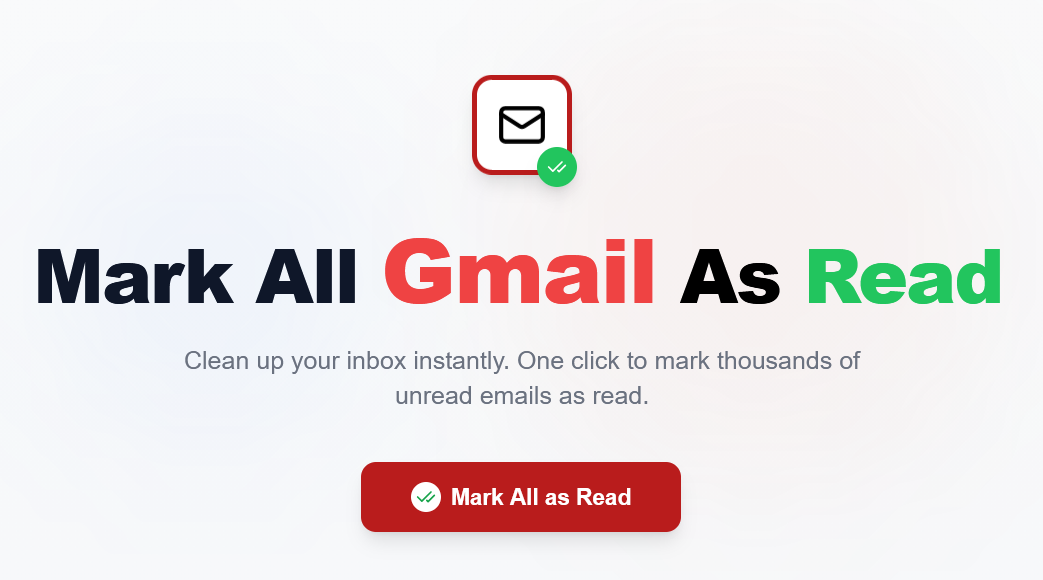
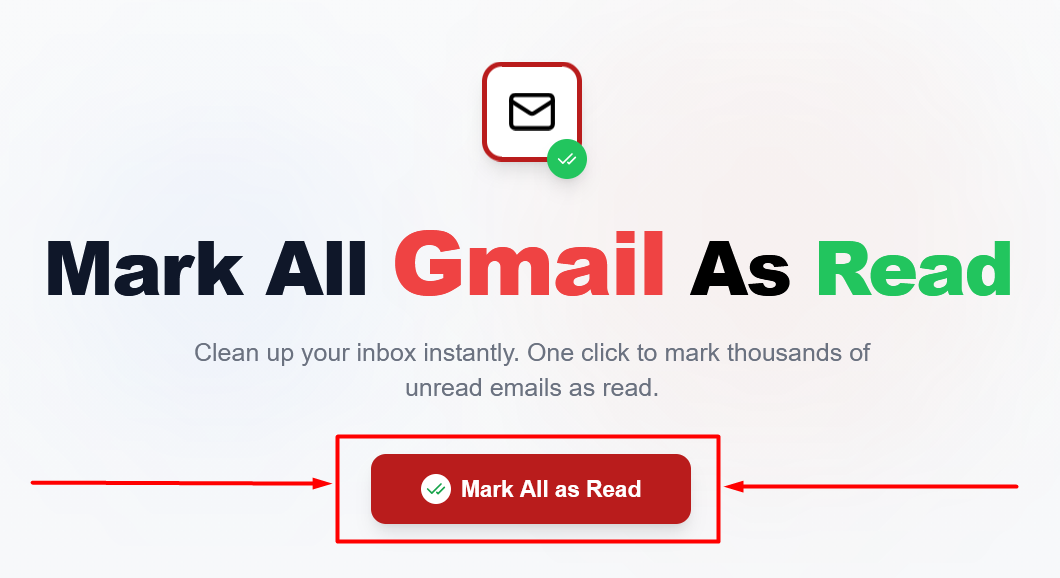
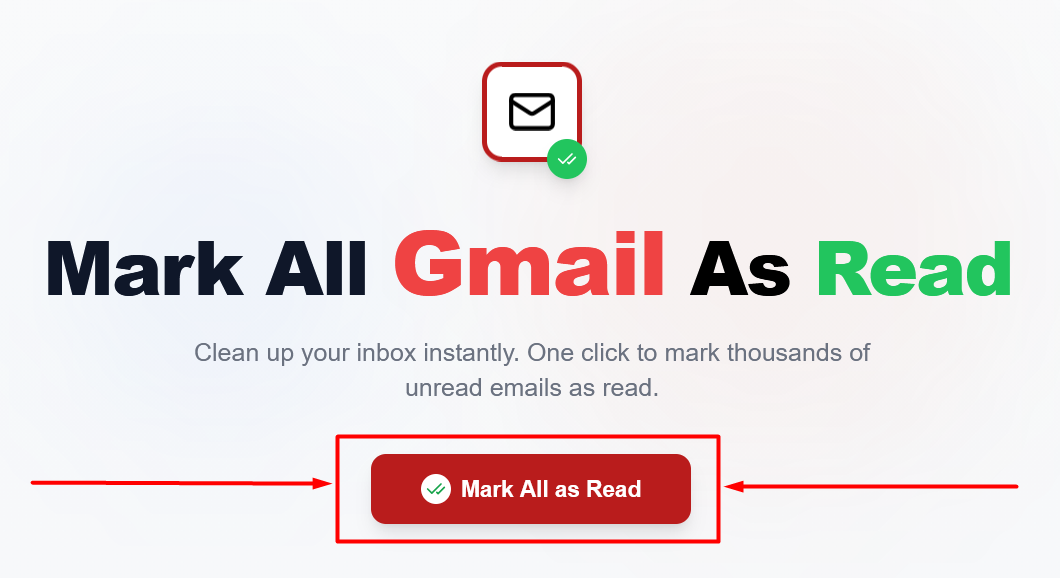
1. Click the “Mark All as Read” button:
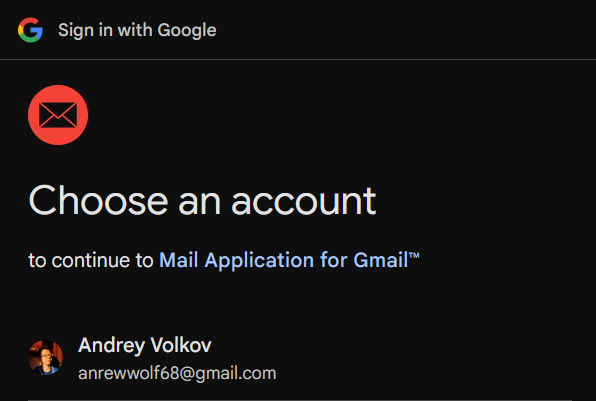
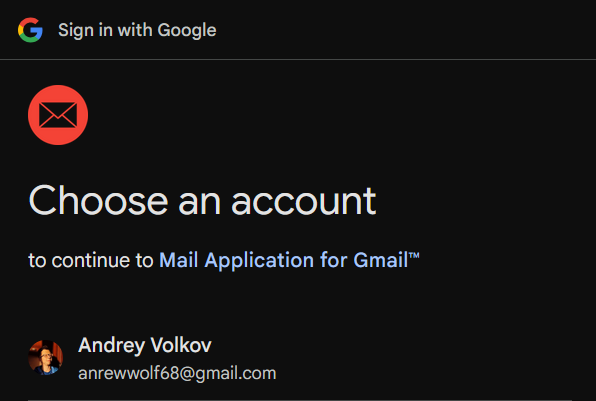
2. Then sign in to Google and grant access to your Gmail account through the certified service – “Mail Application for Gmail™”.
Fun fact for those interested: the service was originally created for the Gmail App extension, but now it can be reused in any project that requires access to the Gmail API.
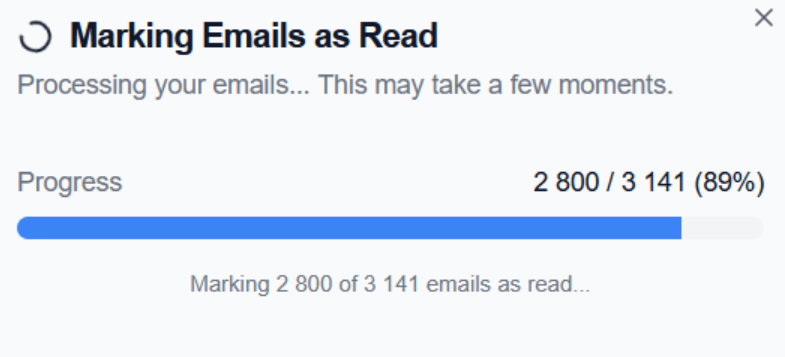
3. If there are unread emails, the “reading” process starts. You will see a progress bar that gradually fills in batches of 100 emails:
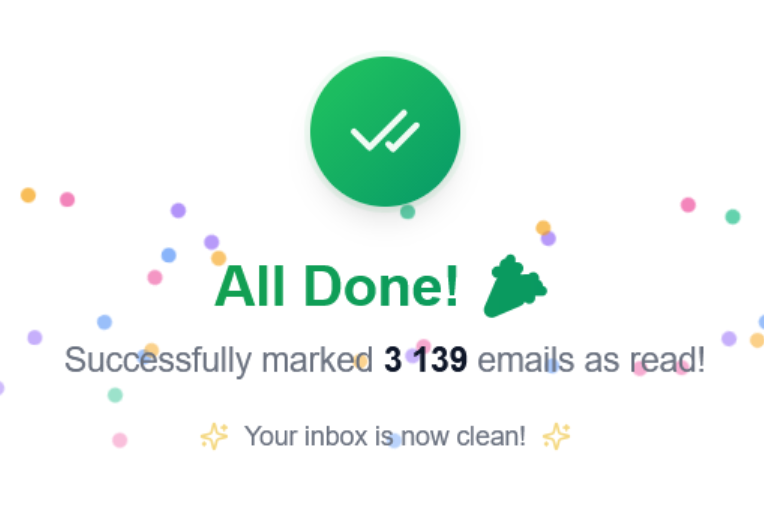
4. When processing is complete, you will see fireworks and a success message:
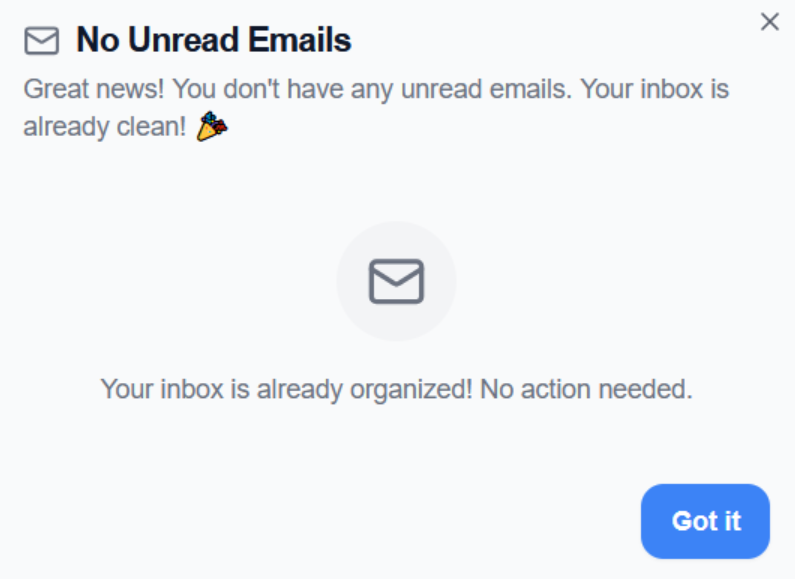
6. If there are no unread messages, you will see a corresponding message:
How is the service better than regular Gmail?
Regular Gmail web version
Let’s look at the steps required in native Gmail to mark all emails as read.
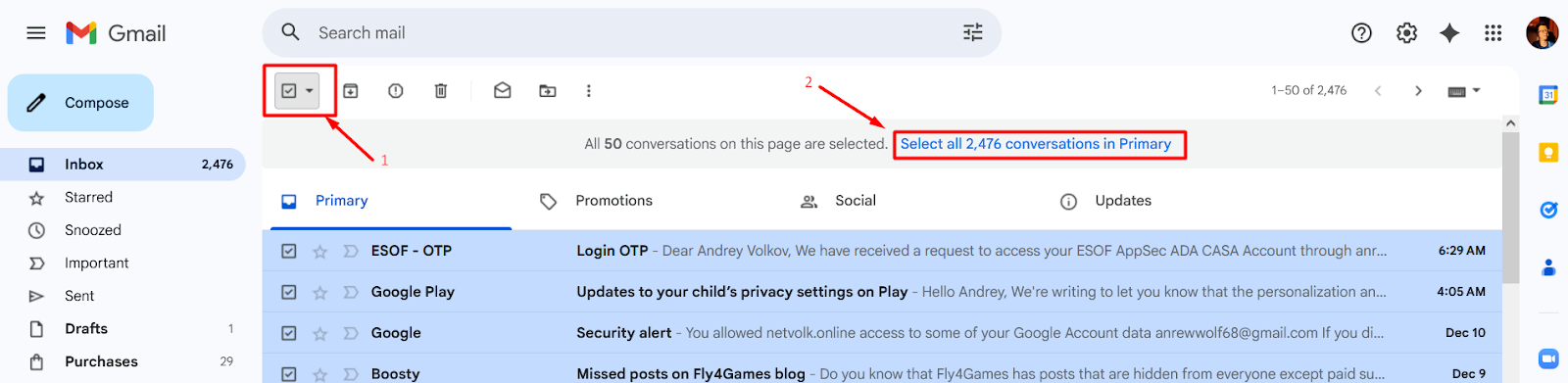
1. First, you need to click the checkbox to select all emails on the page,
2. Next, click the (not very noticeable) blue link to select all emails in the mailbox:
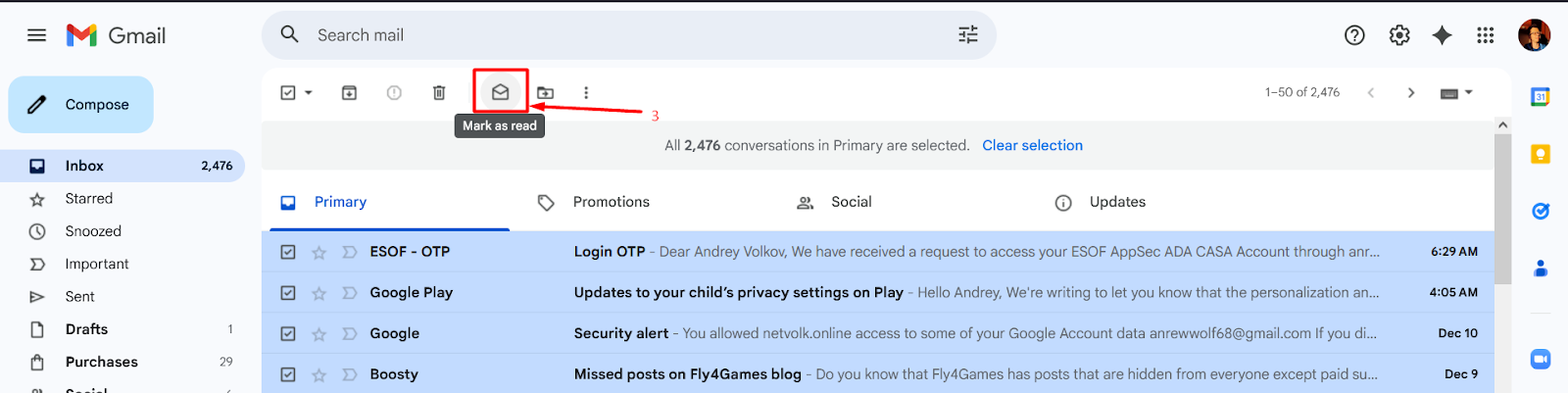
3. Click the “Mark as read” button:
4. Confirm your action by pressing “OK” in a separate pop-up window:
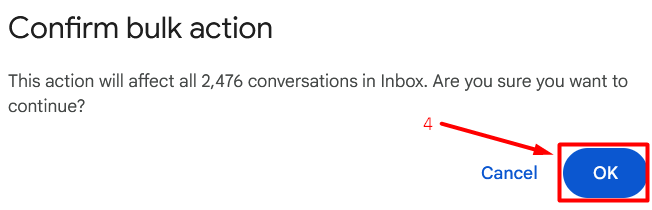
5. And wait an unknown amount of time (Gmail may take timeouts while processing messages):

“Mark All Gmail as Read” service
Now let’s look at the steps required to process the entire mailbox using my service:
1. Press the large red button in the center of the screen:
2. Sign in and grant access to our authorized service:
3. Finally, wait a few seconds while watching the clear and intuitive progress bar:
Final comparison
Number of actions
- Gmail: 4 actions
- “Mark All Gmail as Read” service: 2 actions
Verdict
“Mark All Gmail as Read” service is much easier to use and requires twice fewer actions than regular Gmail.
Task completion time
Number of emails to process: ~2500 messages
- Gmail: ~2 minutes
- “Mark All Gmail as Read” service: < 10 seconds!
Verdict
“Mark All Gmail as Read” service works more than 10 times faster than the official Gmail web version.
Main features
- Standard authorization via Google OAuth v2.0 – all data goes through Google’s own servers
- Requests minimal permissions from the user – only
gmail.modify
- Includes a progress bar with a counter of processed emails – it’s clear how long you need to wait
- Displays client and Gmail service errors – if something goes wrong, you can understand the reason and fix it or contact us for help
- Works online, free, and with one button
Technical features
- All processing happens on the client side (no backend, all data goes directly from the browser to Google)
- Emails are processed in batches of 100 (more granular progress than standard 1000+ email requests, and no risk of Google account blocking due to spam-like requests)
Privacy
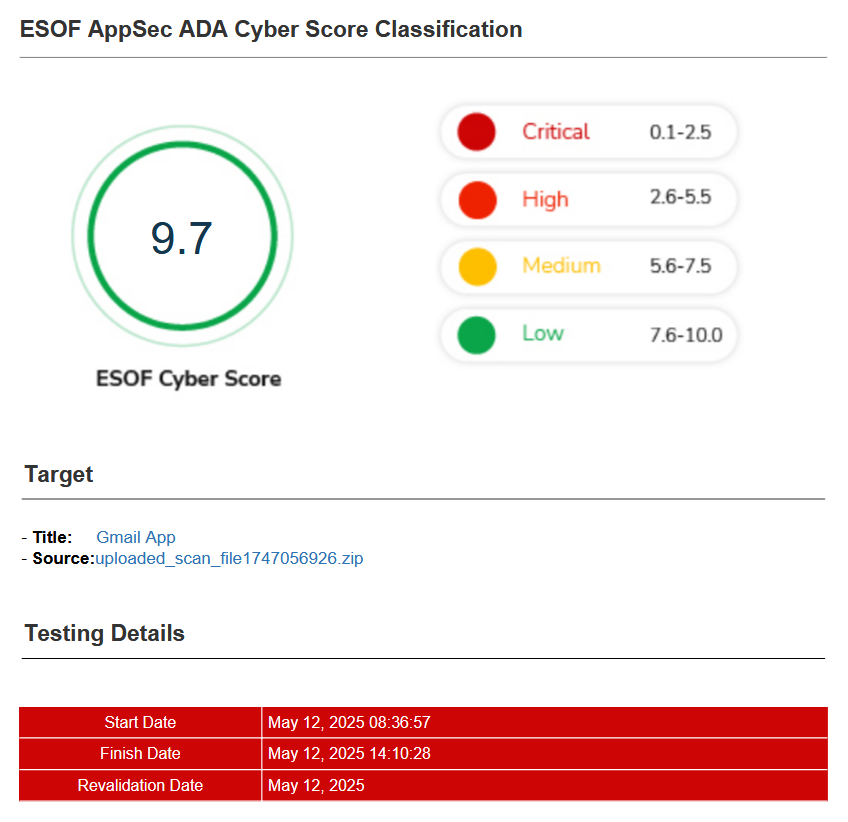
1. The service has passed CASA certification (Cloud App Security Assessment) and complies with the ESOF Cyber Score (9.7/10).
2. The service does not store any user information (processing happens locally in the browser, with requests sent directly to the authorized Google backend).